For piano teachers
Ivory for piano teachers
From a recording of your own playing to a score, a MIDI file and a practice player your students can slow down, loop and learn hand by hand.
What it is for
Much of what a teacher plays never reaches paper: a passage demonstrated at the lesson, an exercise made up on the spot, a simplified left hand for a student who is not ready for the real one. Ivory turns those recordings into notation and into practice material, in a few minutes.
It works on a phone recording of an acoustic piano, a digital piano or a video, and it is made for the piano alone.
Ways teachers use it
- Record the passage you just played in the lesson and send the student its score and the falling notes to practise at home.
- Turn an exercise you improvised into a written page, then print it or edit it in Ivory’s editor.
- Prepare practice versions of public-domain repertoire, from Bach to Satie: slowed down, looped, one hand at a time.
- Listen back to a student’s own recording as falling notes, to show where a rhythm rushed or a note went missing.
- Write down a student’s own composition or improvisation, so they can see it as notation.
Practice tools for your students
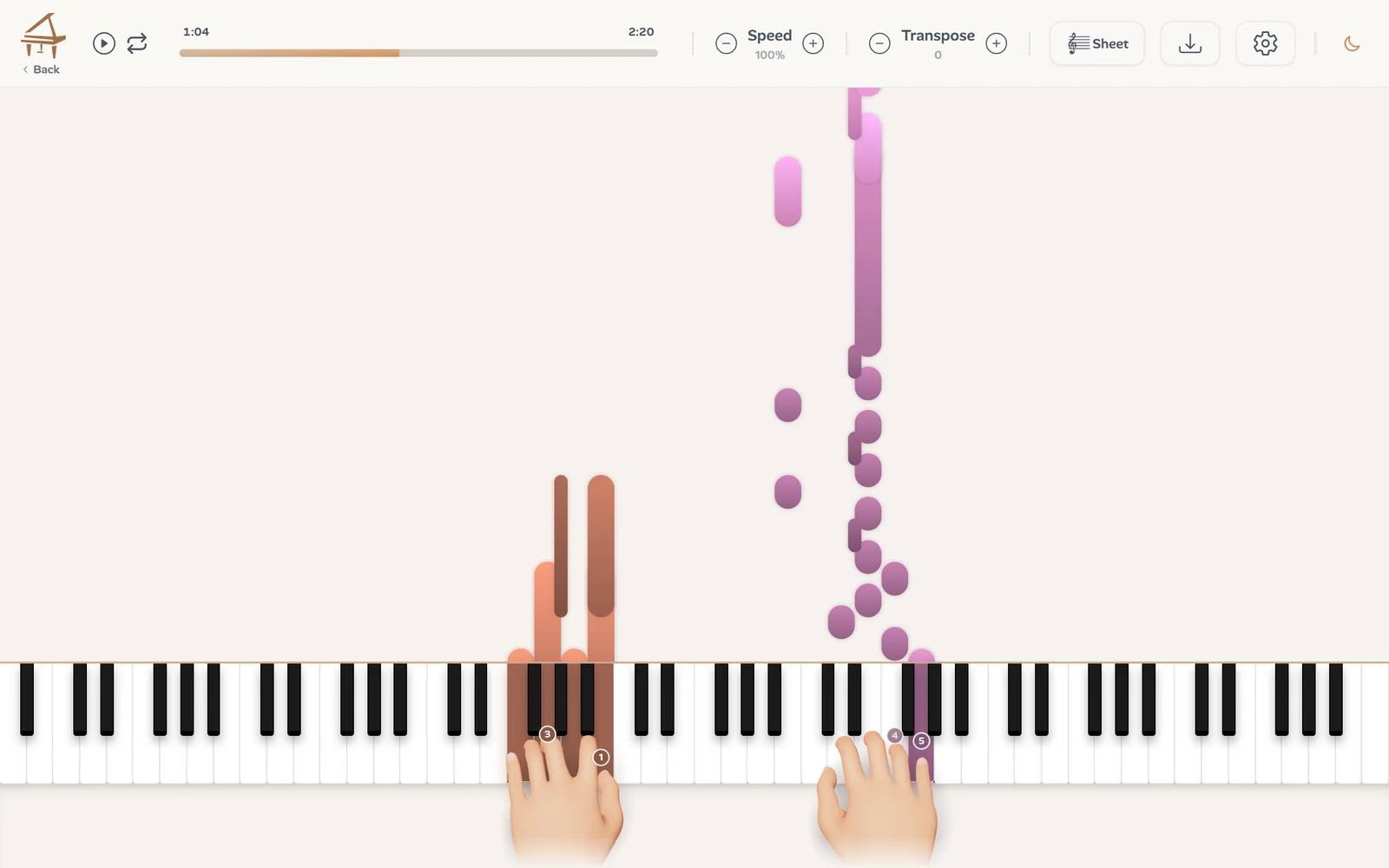
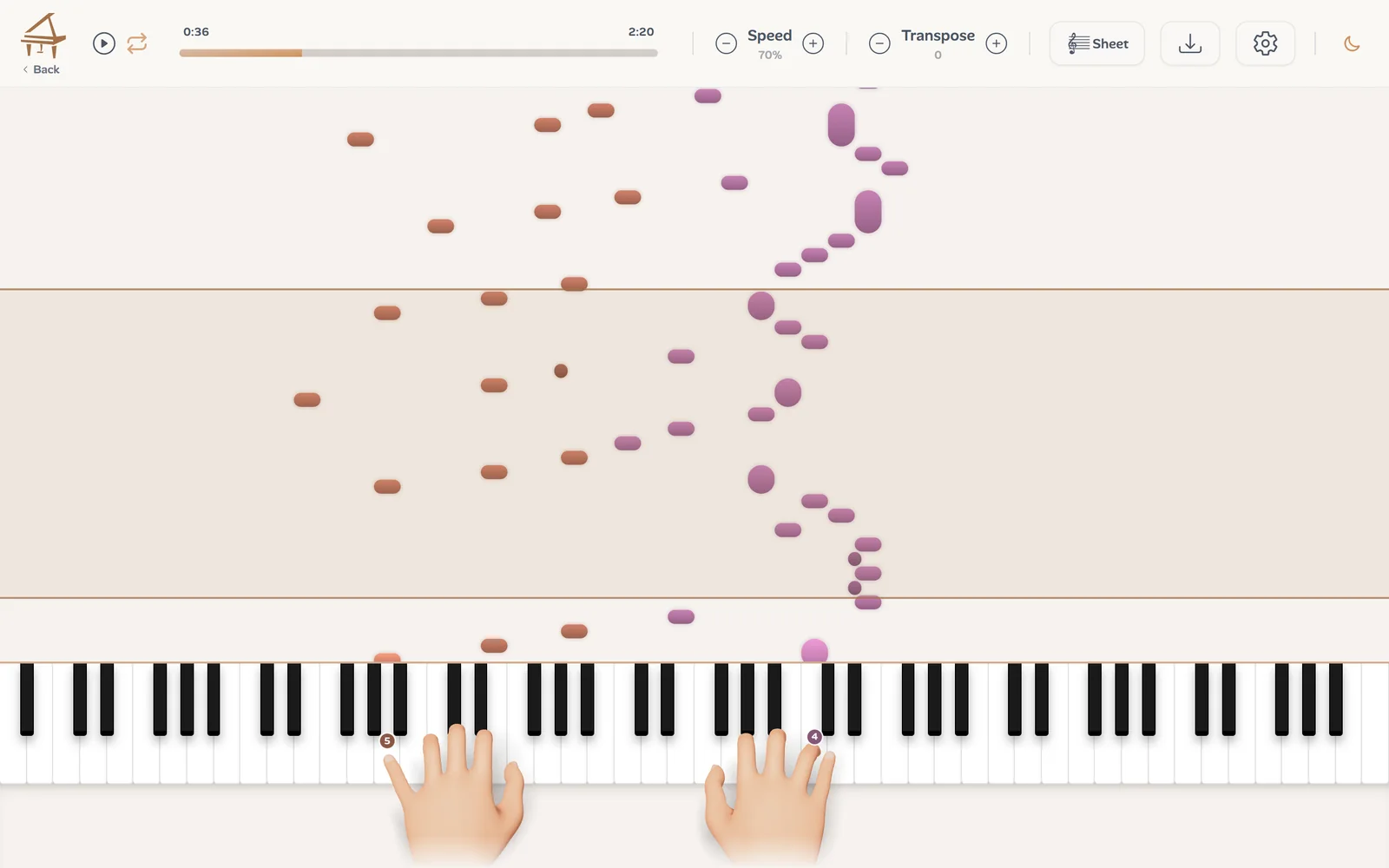
Every transcription opens in a player where the notes fall onto a keyboard. Students can lower the speed 10% at a time, drag over the notes to loop a passage, hide one hand to play it themselves while Ivory plays the other, and transpose by semitones. Two 3D hands play every note with a finger number.
The fingering is a suggestion that moves the hand as little as possible. If you finger a passage differently, change the number in finger editing: your choice is saved with the song and the notes around it follow.
Scores you can correct and print
The same transcription is engraved as a two-staff score, with a key signature, a meter and the notes on the beat. Check it against the recording, correct what is wrong in the editor, then export a PDF to print, MusicXML for MuseScore, Sibelius, Finale or Dorico, or MIDI.
It is a draft you make your own, not a finished edition: fast passages under a lot of pedal often need a few corrections.
What to transcribe
Use Ivory on music you have the right to use: your own playing and arrangements, your students’ compositions, and pieces in the public domain. For copyrighted repertoire, the publisher’s edition is still the one to buy.
Getting started
In three steps:
Record
A phone on the music stand is enough. Up to 10 minutes per file, or a link to a video under 15 minutes.
Transcribe
Choose Piano recording; a few minutes later the score, the MIDI and the falling notes are in your library.
Share or print
Correct it if needed, then export the PDF or the MIDI for your student.
Frequently asked questions
Yes. A phone recording of an acoustic piano works; a quiet room and a phone close to the instrument give the best result.
Yes, in the browser, and there is an app for iPhone and iPad. On a phone the 3D hands start switched off; they can turn them on in the player settings.
Without a credit, every transcription is a free preview: the first 30 seconds as falling notes and the first 8 bars of the score. The whole song and its downloads take one credit: a single credit costs €3.99 and never expires, and a subscription (€8.99 a month) includes 100 songs a month.
Yes. In finger editing you can change any finger number; your choice is saved with the song.
Piano mode is for a piano alone. For a song with a singer, the Lead Sheet mode (in beta) writes the melody and the chords instead.
Turn your next demonstration into a score
Record yourself playing, upload the file, and check the first 8 bars of the score for free.
Transcribe a recording